Agoda geo-pricing tool
Stop overpaying
for hotels.
We search Agoda globally and show you the cheapest price — in seconds. No subscription. Only pay when we save you money.
Singapore
QT Singapore
23 Jul 2026 → 26 Jul 2026
3 nights · 2 adults · 1 room
Room: QT King
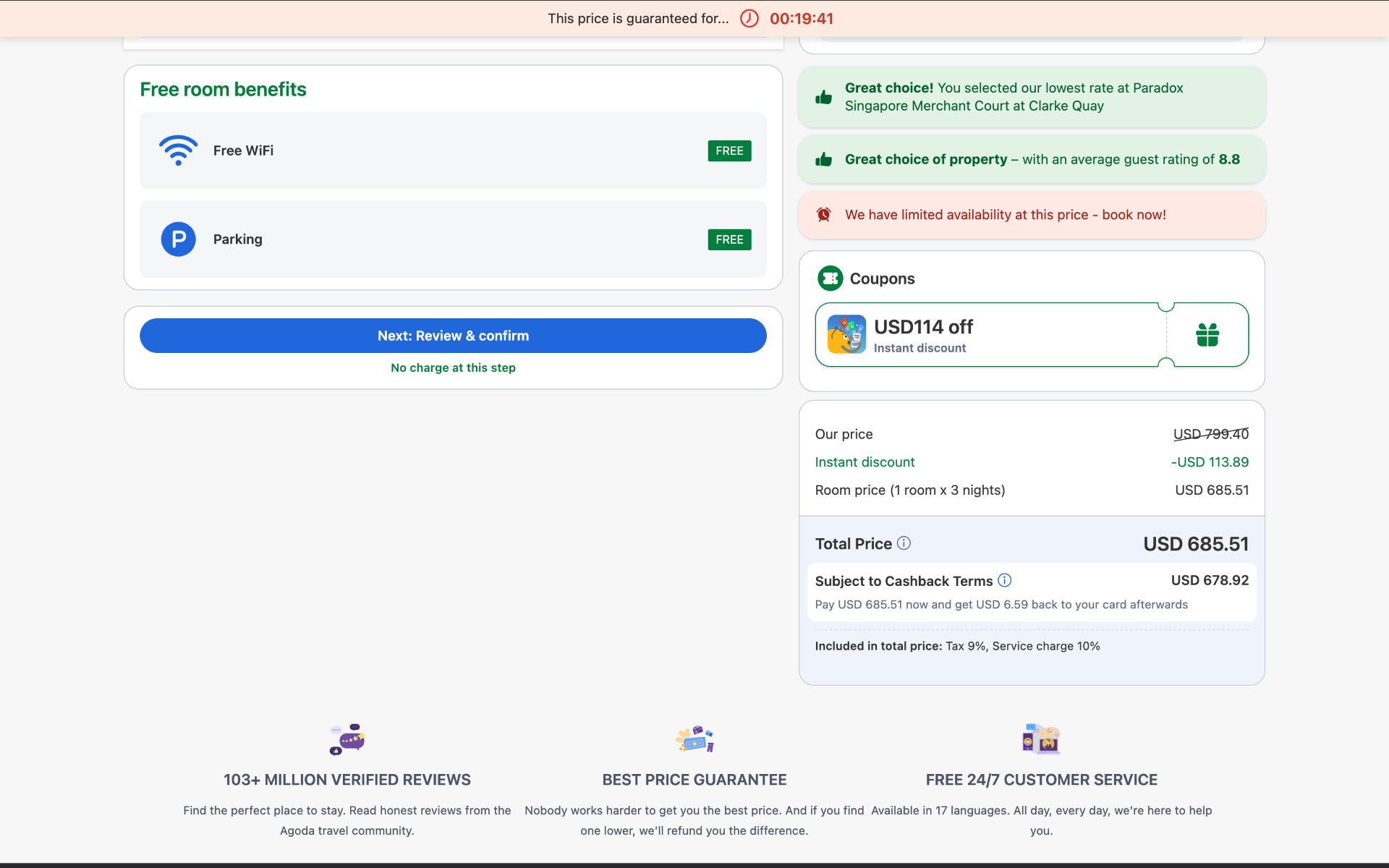
Real search result captured at time of search. Prices change frequently — for illustration only, not a guarantee of future savings.
Get started
Up and running in 2 minutes
Install AnyGo for Chrome here
Enable AnyGo in Incognito mode
Go to chrome://extensions → find AnyGo → click Details → turn on 'Allow in Incognito'. Then open an Incognito window (Cmd+Shift+N on Mac / Ctrl+Shift+N on Windows) and navigate to Agoda from there. This gives you clean, unbiased prices.

Browse any Agoda hotel
Search for your hotel on Agoda as normal. Pick your room and dates, then click Book.

Click 'Find cheaper price — AnyGo'
The AnyGo button appears on the booking page. Click it to start the global price check.

AnyGo searches globally
AnyGo checks Agoda prices across multiple countries in seconds.

Reveal the cheapest price and book
See how much you could save. Pay a small fee to reveal which country is cheapest and get your direct Agoda booking link.

Book at the cheaper price
We give you a direct Agoda booking link for the cheaper country. Click it to go straight to Agoda and complete your booking there.
Pricing
Simple, transparent pricing
We reveal the cheapest country and booking link. You pay a percentage of what you save — only if we find savings.
| Saving found | AnyGo fee | Example |
|---|---|---|
| Under USD 10 | Free | USD 8 saving → USD 0 fee |
| USD 10 – under USD 25 | 20% | USD 20 saving → USD 4.00 fee |
| USD 25 – under USD 50 | 30% | USD 35 saving → USD 10.50 fee |
| USD 50 – under USD 100 | 40% | USD 70 saving → USD 28.00 fee |
| USD 100 and above | 50% | USD 120 saving → USD 60.00 fee |
No saving found? No charge. If the booking link doesn't work, email hello@getanygo.com for a full refund.
Two fees to understand: (1) Your Agoda hotel price — always shown in your local currency (e.g. EUR, SGD, HKD), exactly as Agoda displays it. (2) The AnyGo fee — always charged in USD for simple, consistent pricing. If your Agoda is in a non-USD currency, we convert your saving to USD using live exchange rates at the time of checkout and show you the exact USD fee before you pay.
FAQ
Frequently asked
More questions? Email hello@getanygo.com.